
2023-12-03
In this article, we’re going to build a fitness app using our New Gym feature that enables Fitness Clubs, Gyms, Personal Trainers, Coaches and others in the fitness industry to provide customized training programs with text, images, and video, to help their members and clients achieve their fitness goals.
Many other features can be added to the Fitness App to provide additional functionality based on individual client requirements, but in this article, we’ll focus on the added functionality of the the Gym Feature.
This feature adds additional mobile app functionality that enables more customization for fitness focused businesses and professionals offering individually tailored fitness programs to their clients.
We also provide a feature control panel that’s accessible to the App owner and their staff to manage various aspects of the fitness app.
On the Exercise tab, the app admin can create Exercise Pages with multimedia content exactly as with our Custom Page feature ( all of the same features may be added.. Video, Photo, etc ).
All Exercise Pages require a category assignment during creation which is chosen from the drop down menu.
Note: Before configuring Exercise Pages, at least one Category must be created in the Global Settings section shown in Paragraph 4, below.
After creating at least one Category, proceed to create Exercise Pages
Click Add Exercise, then choose the Custom Page fields to create the Exercise Page (for more information on fields and options available for creating a Custom Page, please review this article)
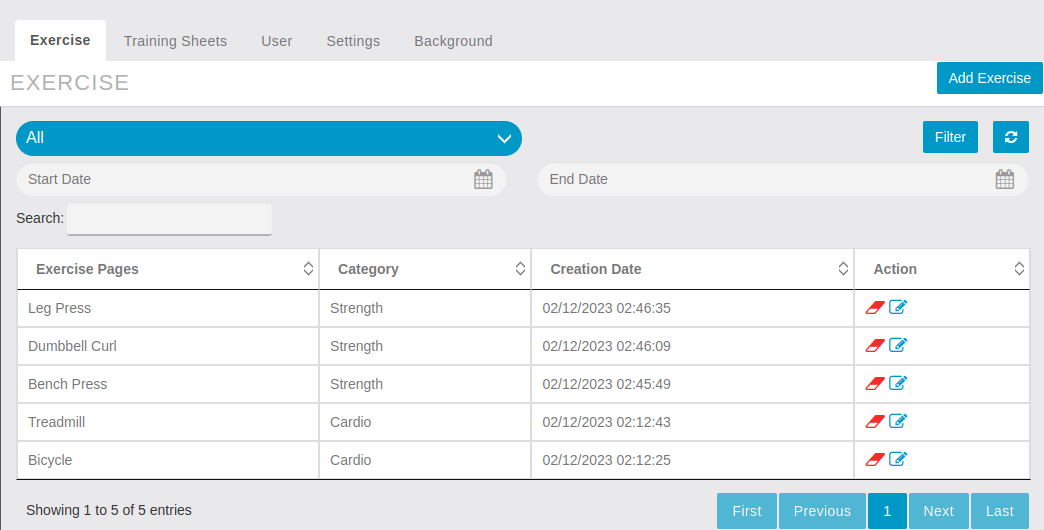
Filters
This Training Sheets Tab enables the App Admin or Trainer to create Training Plans (Sheets) which essentially group one or more Exercise Pages in sequence.
By clicking on “Add Training Sheet ” a popup configuration screen will appear to define the details of the Training Sheet as shown in the image below. From this page, admin can select as many Exercise Sheets in training sheets from Table as required for the custom Training Plan.
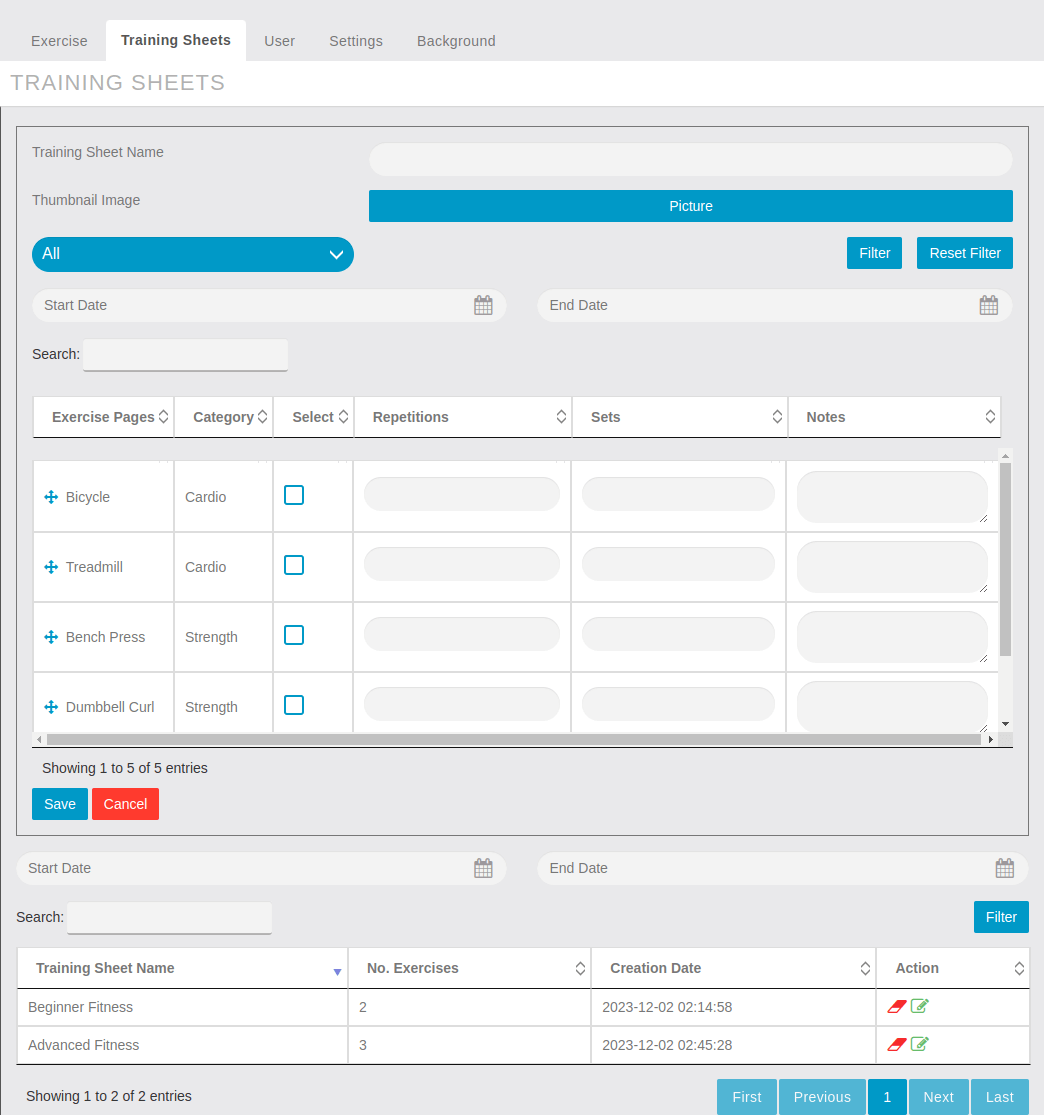
Repetitions, Sets, and Notes. The Repetitions field allows you to assign the difficulty level by Reps and Sets, to each exercise sheet. This helps users gauge the intensity of the exercise and plan their training accordingly. You can assign a goal of 1 to 50 for each exercise sheet.
When finished, click the ”Save” button to save the Training Sheet
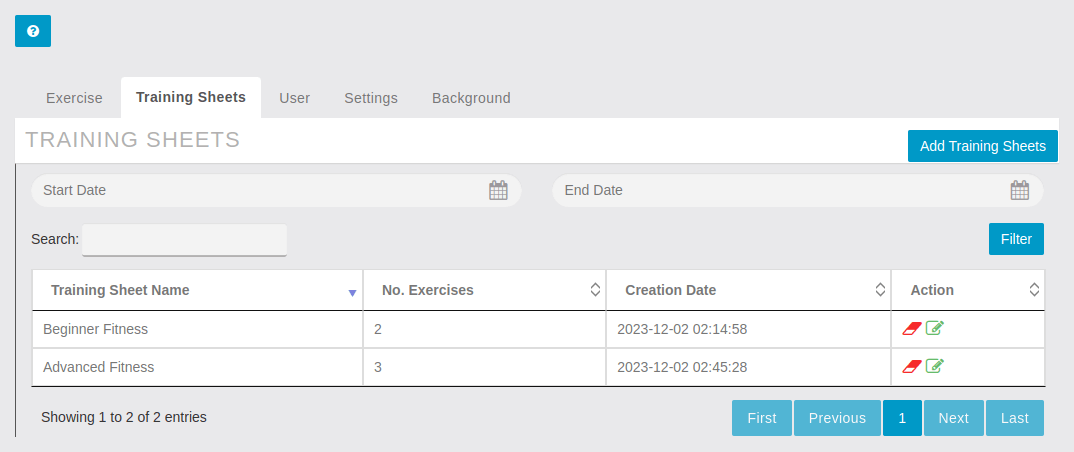
The training sheets can be searched by training sheet names and date filters as shown below
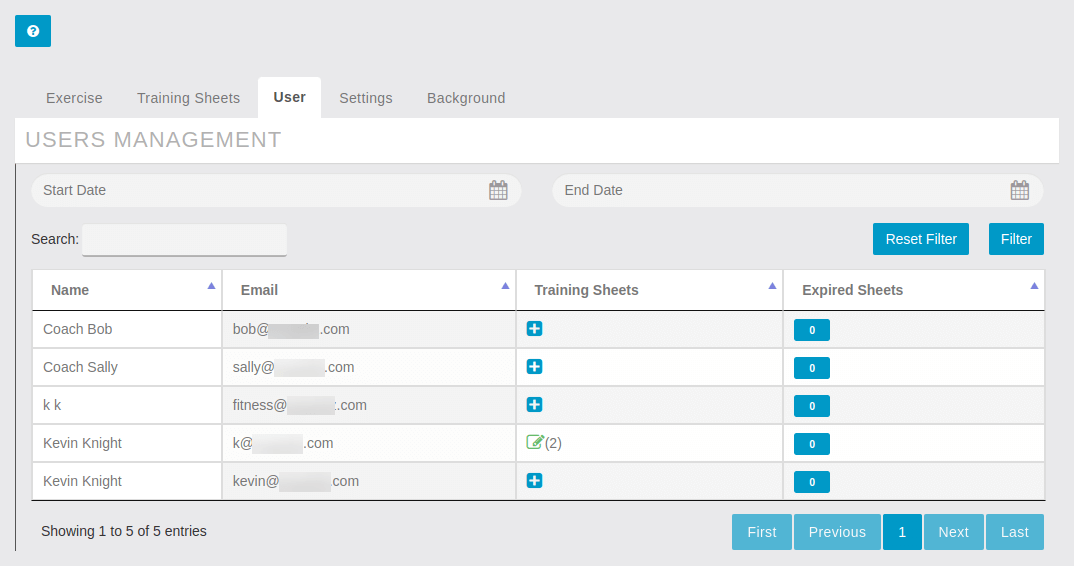
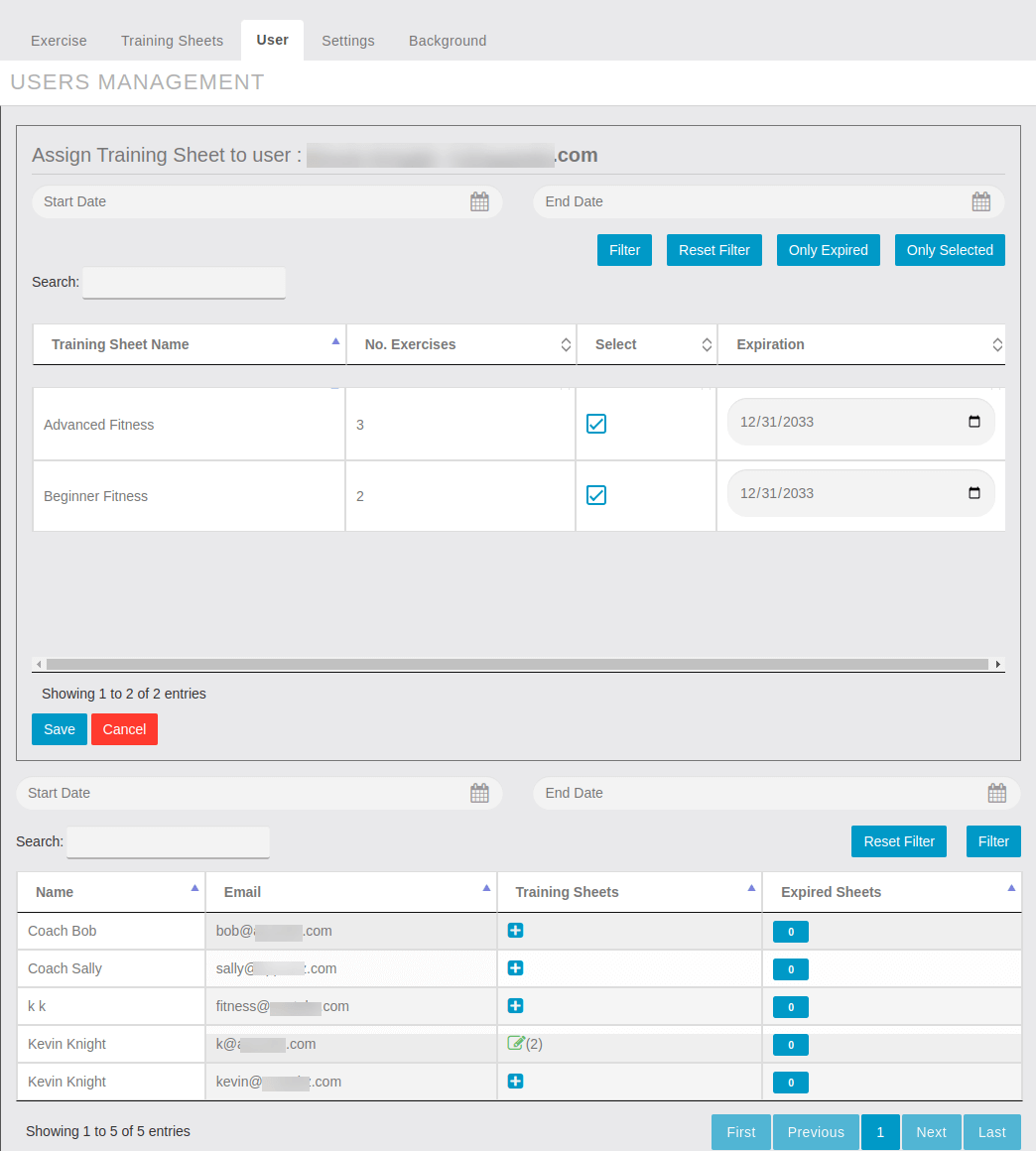
From the User Tab, App Admins can view all users registered in the App. By choosing a user, then clicking the Training Sheet + Icon, their user assignment page will open where Trainers can assign one or more Training Sheets and Set expiration dates for access to each assignment.
Note: Each time a Training sheet is assigned, an expiration date must be assigned.
Note: expiration date may be modified as needed
Click on Add Training sheets  to see the following configuration screen.
Select the boxes for all Training Sheets that will be assigned to the App User, then enter the expiration date when the assigned user will no longer have access to the assignment.
Global Settings accessed under the Settings Tab. From here we enable the App Admin to change the Global Icons for Training Sheets and Expiry Warnings.
Categories are created in the bottom section to enable logical grouping of Exercise Pages. Create at least one category before configuring Exercise Pages or Training Sheets.
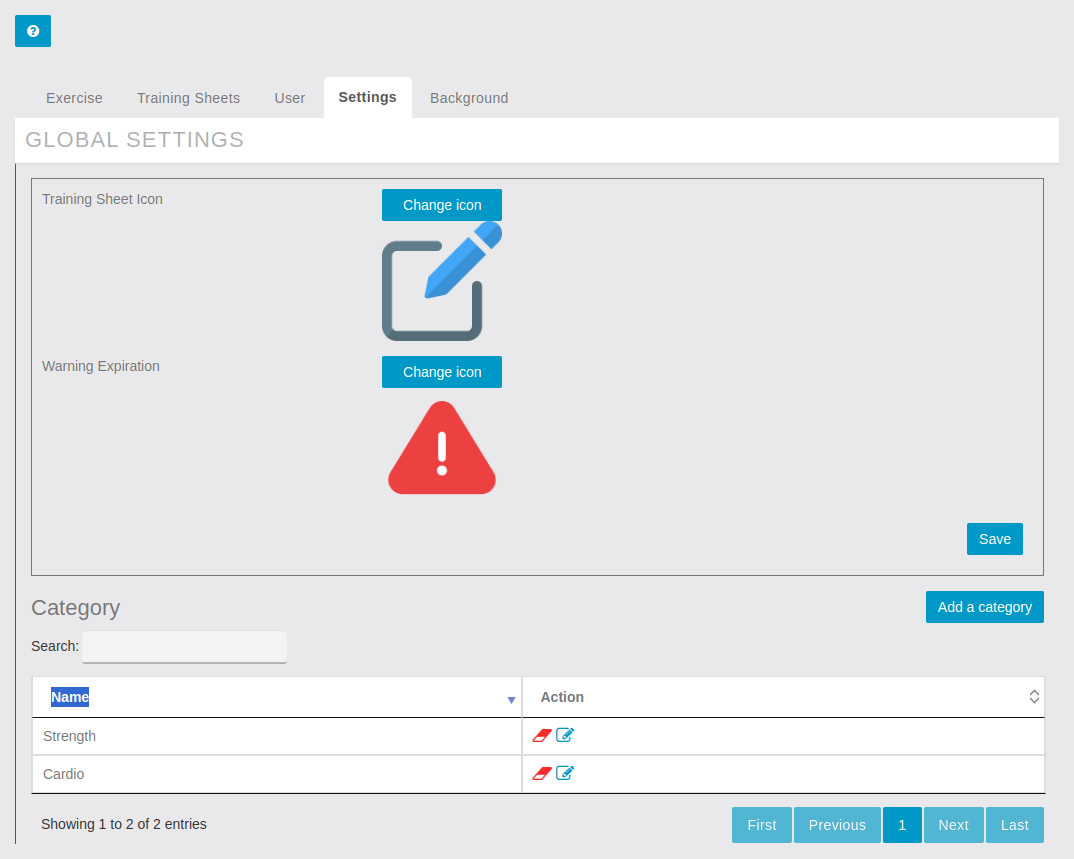
By clicking on Add a Category Button, a pop up opens to enter the Category name 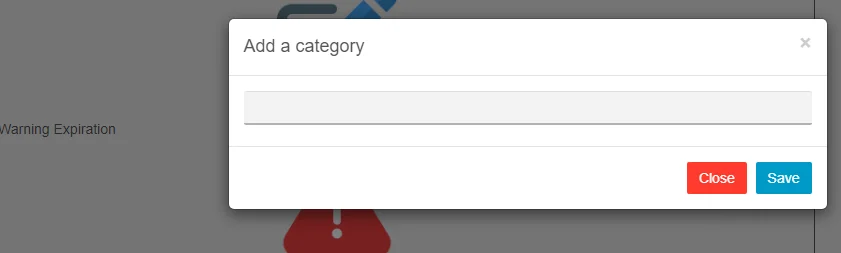
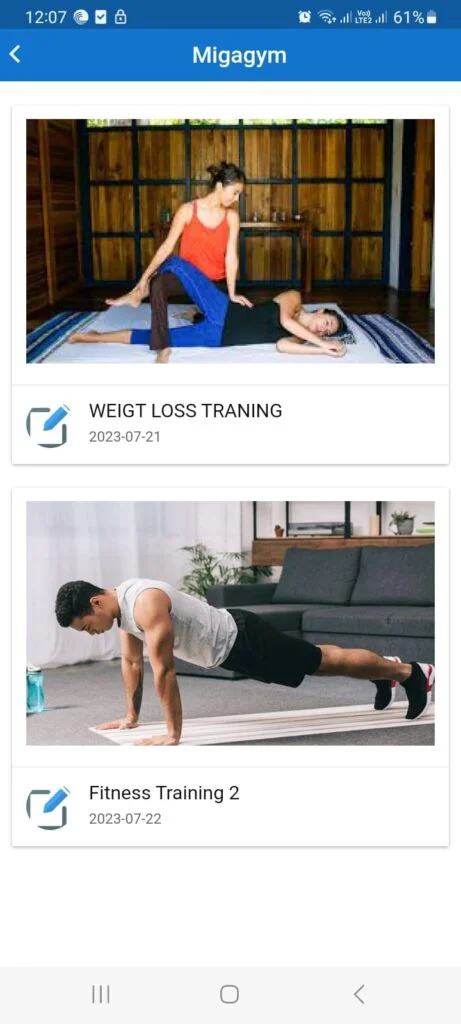
In the App, the Training Sheets assigned to clients will appear when they login and view the Gym feature home screen.
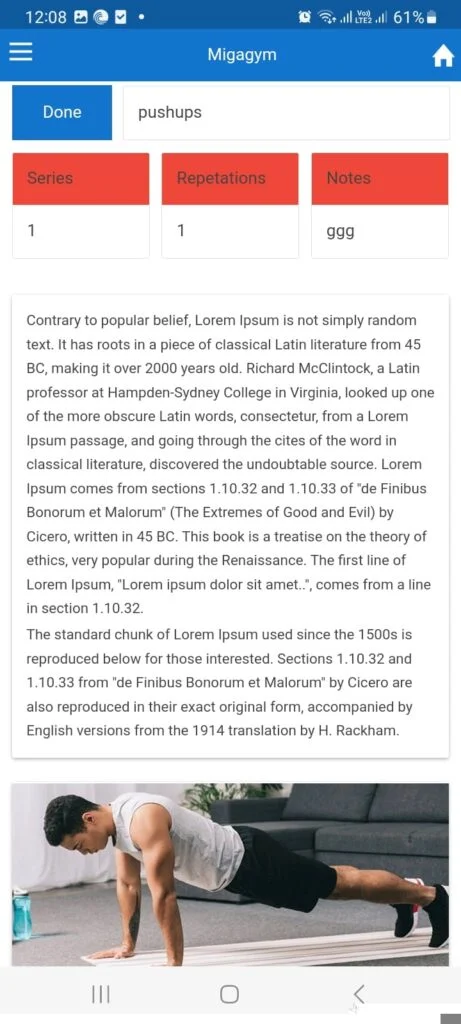
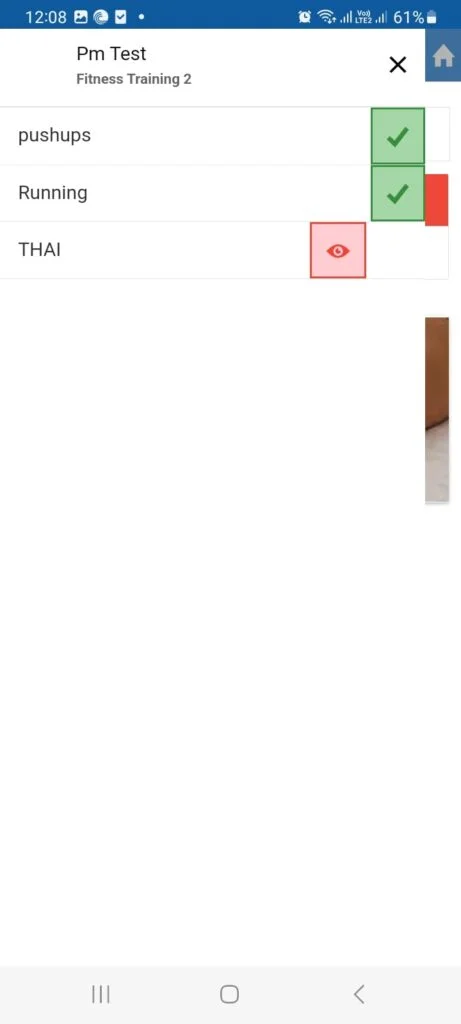
Other features not shown in the this article that could add even more value and customization would be Custom Forms, Custom Page, Folders, Contact, My Account, Padlock, Push Notifications, App Sharing, and many of our marketing automation features.
So there you have it, Apptekz makes it easy to create a custom mobile app for Fitness Clubs, Gyms, and Trainers.