2022-07-24
The Apptekz Review Feature allows sending push notifications or emails when a specific event/trigger then customers can add good or bad reviews like Google reviews, Facebook reviews, TripAdvisor reviews, and other review site links. Customer Reviews are one of the most powerful tools available for reputation management and driving new customers through the doors of your business. Business owners are provided with reporting tools to check the response rate against triggered actions.
In the setting tab, there are three sections. Each section is dependent on the trigger type.
All push notifications and email messages are configured based on Trigger Type
Each Trigger depends on the associated feature to be active in the app. (only configure triggers for intended features)
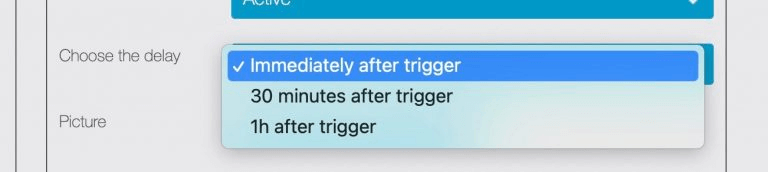
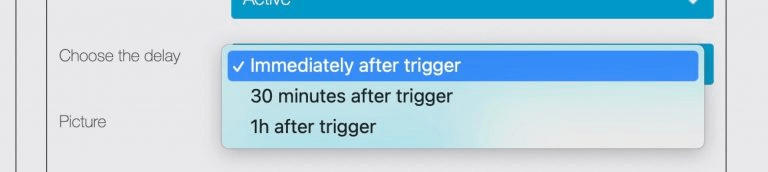
Review Status displays current statics and activity related to selected triggers. (Total sent, total reviews, and total response rate %)
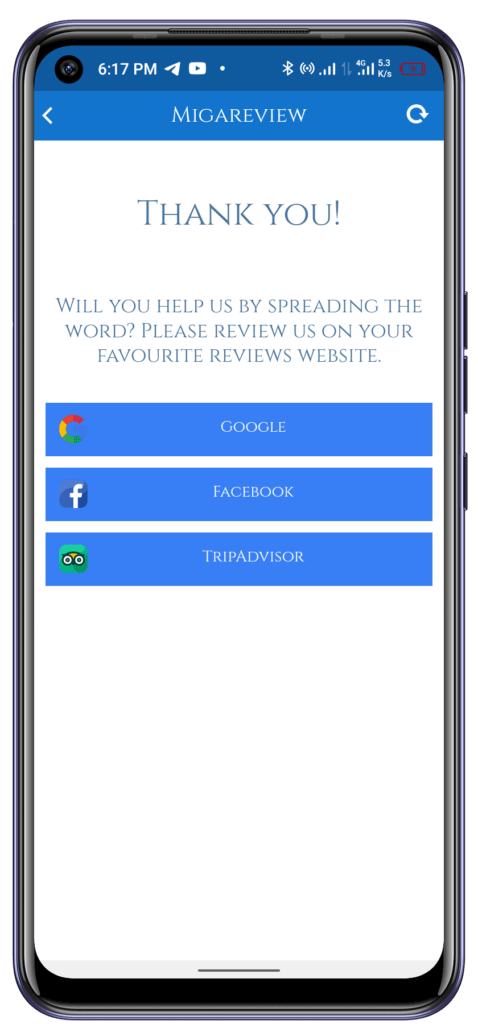
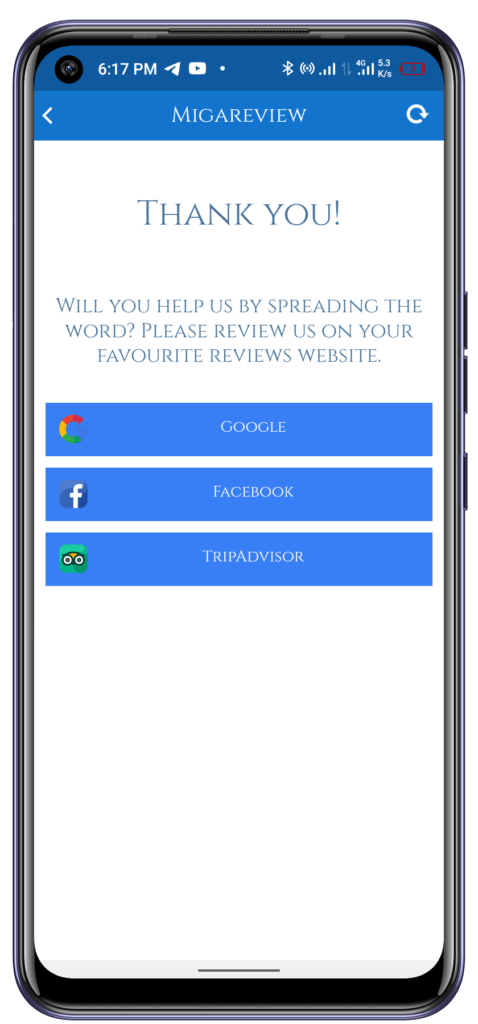
Configure links and icon (picture) for each of the desired review sites that are relevant to the business for which the app is designed. Google Reviews, Facebook Recommendations, Trip Advisor, or any other relevant review site link.
Check the box for each one that should be activated within the mobile app.
Configure BAD REVIEW EMAIL to respond to customers that may give a bad review. Customers may respond to the business owner, allowing the business to address customer concerns to improve the customer’s perception of the business. This provides a powerful reputation management strategy to maintain the reputation of the business and hopefully avoid a negative review.
In this tab, the app admin/owner can see the feedback over the last 7 days and the trigger that made the request. Admin can search by user name or trigger fired.
In this tab, the background and color setting for the landing page theme are configured. When theme colors are updated, the changes will appear in the live preview. After all settings have been completed, click the save button to apply the changes.
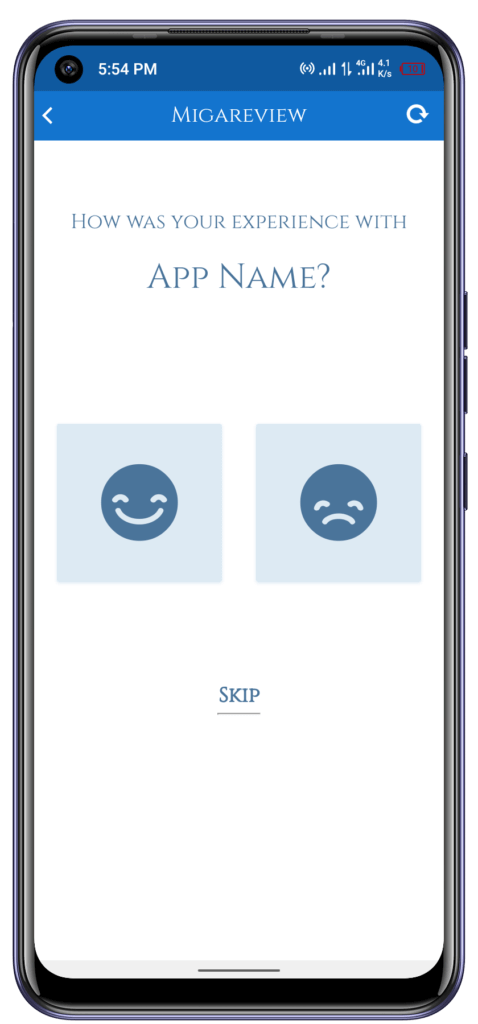
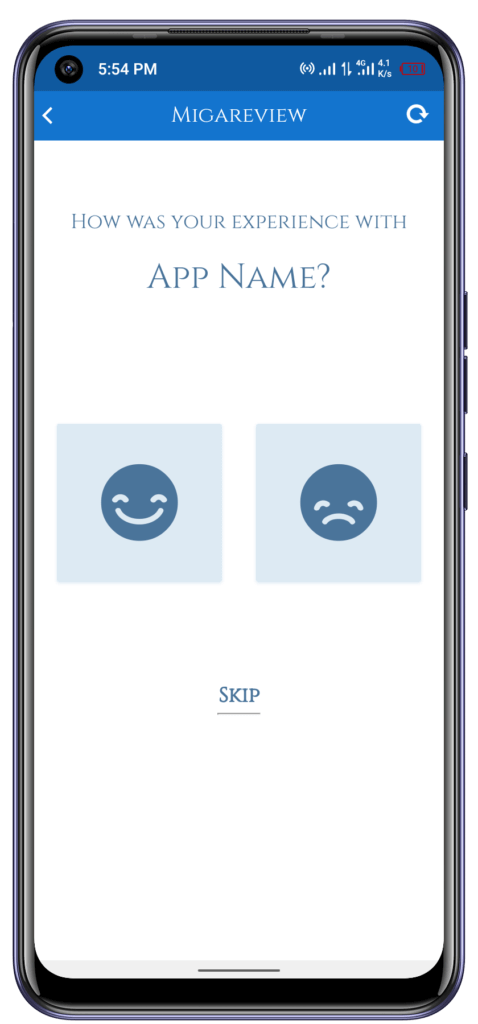
Customers access the Review feature through the Mobile App. It enables businesses to prompt customers to add a review after they have an experience with the business which is triggered by the specific events that pertain to the business or the app. Customers may provide a good review, bad review, or skip the review process, if desired. In cases where the user skips the review process the feature may show them the option to provide a review again in the future.
* Note: Review Landing Page becomes visible only after App is Published and Trigger has been activated