
2020-05-05
The Calendar feature provides the ability publish events on the calendar and allows app users to view, share, and RSVP to the events. Publish the time, place and date of events, as well as images and links. Both iCal and Custom events are available within this feature.

Once the feature has been activated, you will get the following configuration screen.
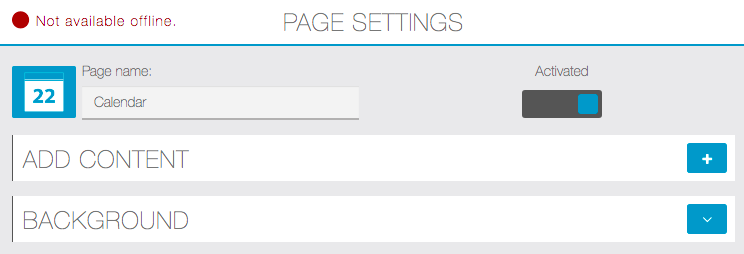
Click on  to add a calendar. You have 2 options (iCal or Custom Page):

Click on iCal:

Click on Custom Page:

Enter the name of your Calendar and then click OK:
To create a new event click on the ‘Event Button”


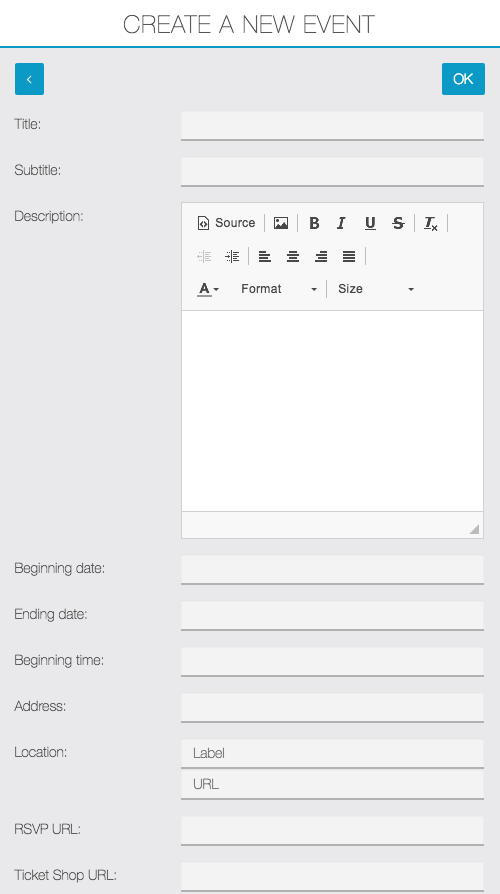

Enter all of the required information for your event and add an illustration picture in the provided fields.
Once the Event Calendar is configured, add custom CSS from the Mobile App Builder to complete the customization.
For more robust event management or to build an Event focused app, consider using the Event Pro feature