
2021-01-30
1.) From the App Editor, navigate to Modules -> Device Preview
2.) Choose from the available platforms & devices, select the one to review, and wait for the preview to load
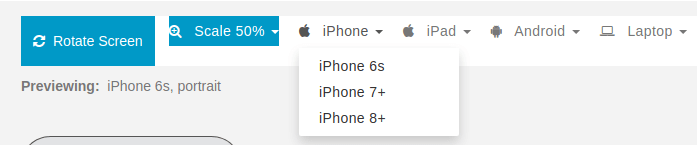
3.) Click on the “Rotate Screen” button to Toggle between Portrait (Vertical) and Landscape (Horizontal) positions (where available)
4.) Click the “Scale” button to choose the size of the preview
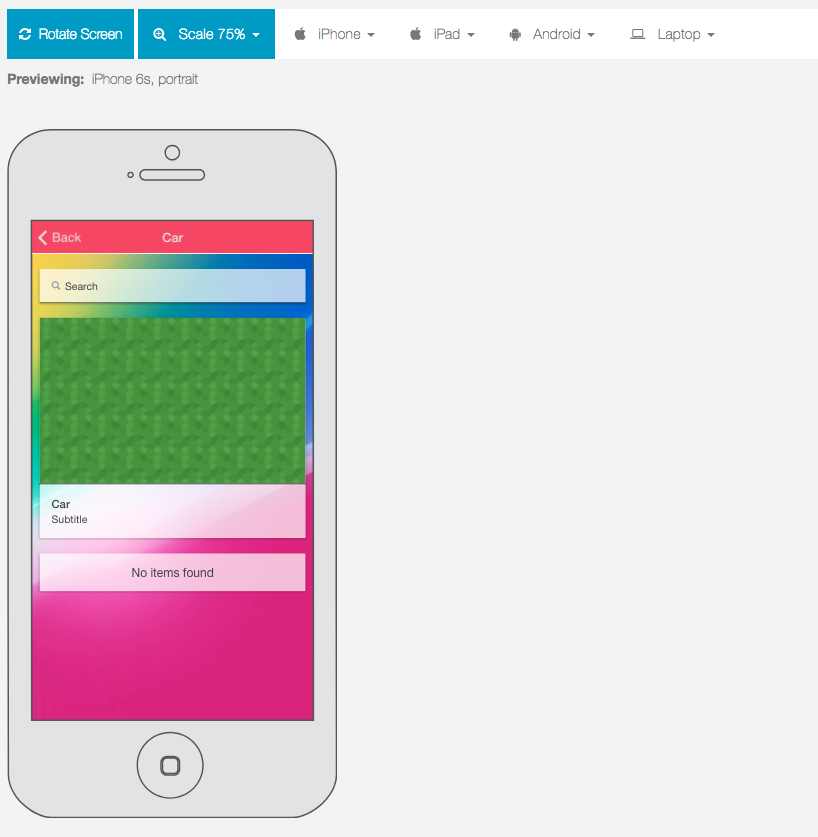
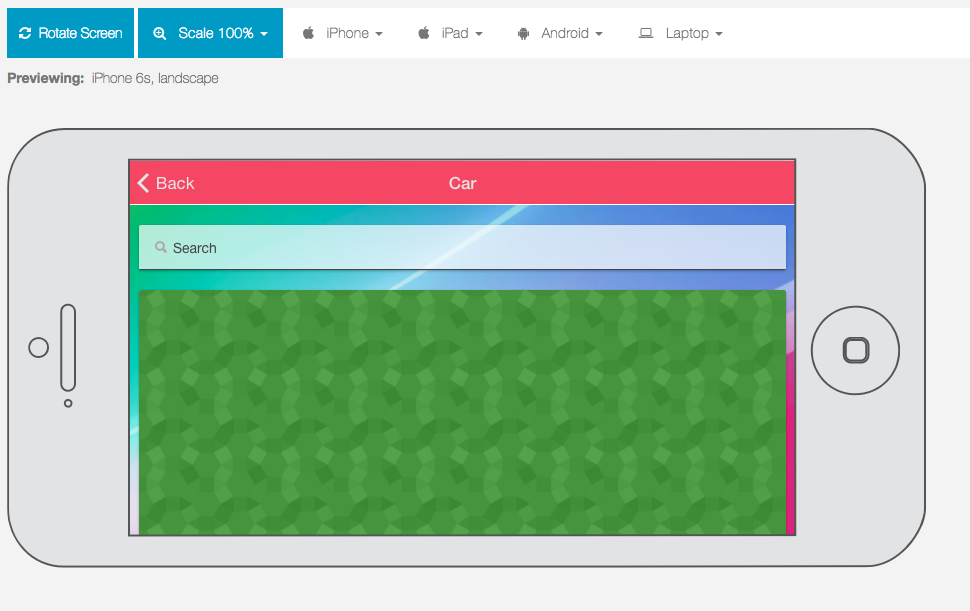
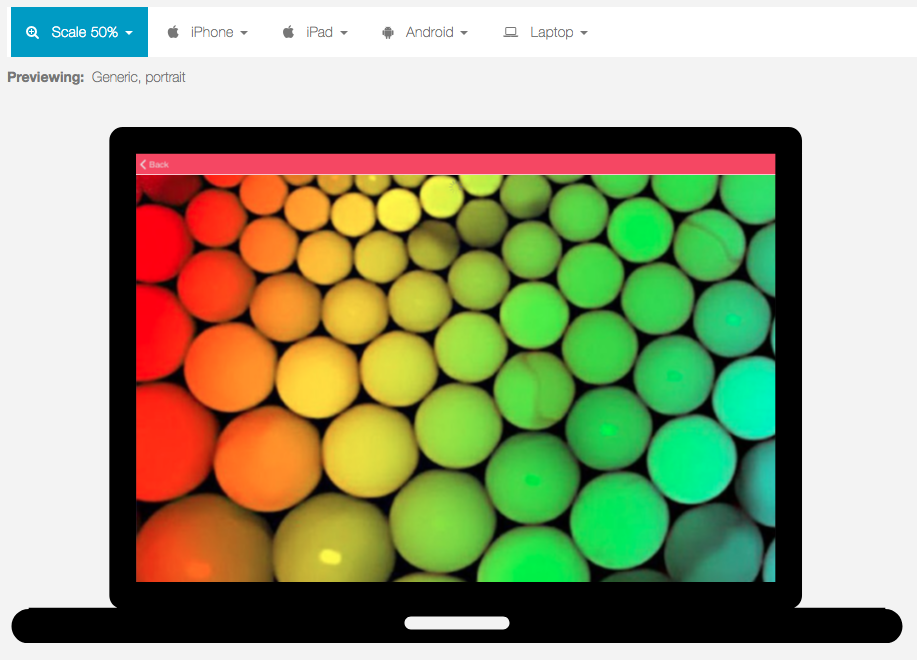
Remember that getting mobile apps approved in the app stores requires an app to provide useful functionality, follow publishing guidelines, and look great on all devices. We hope that using the Advanced Mobile App Preview will simplify the process of making beautiful apps for all platforms and devices.